How to Build a Portfolio Website Without Coding (Step-by-Step)
Introduction
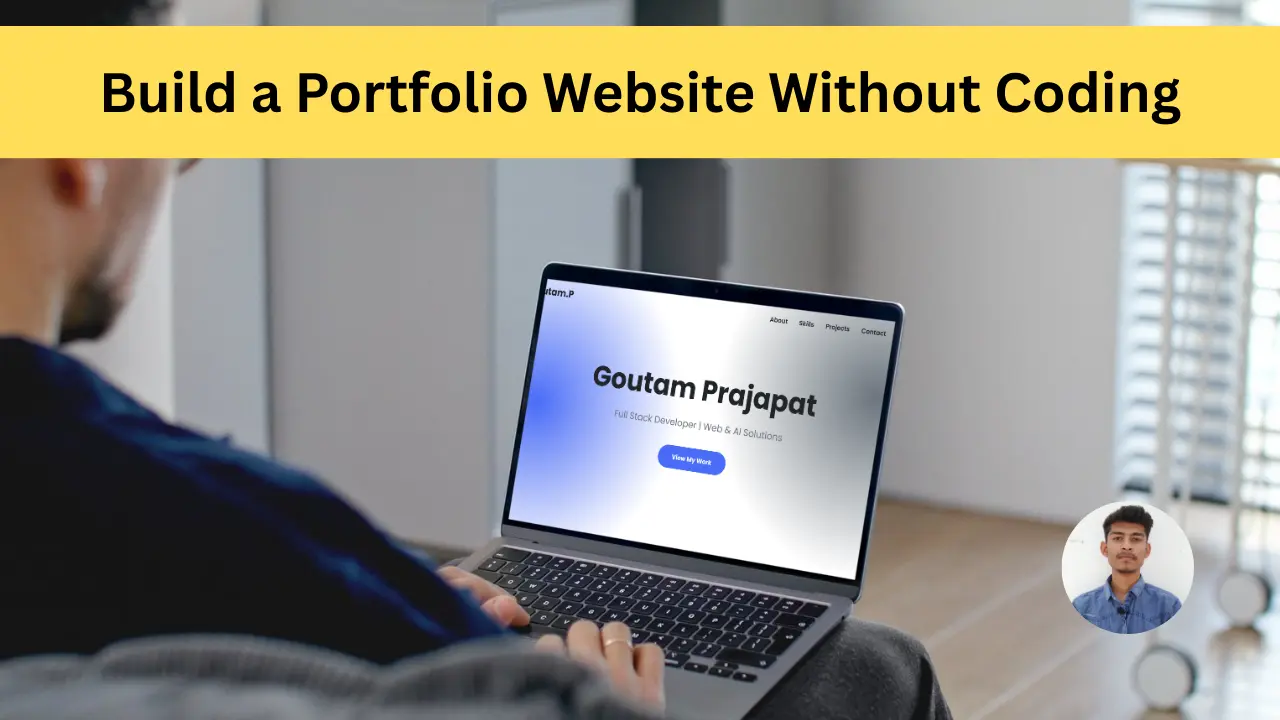
It is necessary for every student to have a portfolio in 2025 and especially if you do freelancing then you must make a portfolio because portfolio shows your work and identity and builds real trust. If you are a developer then it is very simple, you can make a good simple portfolio but there are many students whose work is different like editing or something else, due to this they do not know coding but now there is no need to worry, you can make a good portfolio website without coding which will be very modern and good, which will win the trust of the clients as well as build your authority. In today's blog, you will Guide Dunga ki How can you make a portfolio website.
2. Step 1: Choose the Right Platform
Actually there are lots of options, nowadays many new tools have come up with which you can create your website absolutely free by just giving a prompt, but some tools are also paid, but you can use some of these tools, Wix, WordPress.com, Carrd, Notion, Canva Website, Framer, all these are popular tools which every developer or someone who does not know coding uses, in this you get simple drag and drop and there are also templates which you can use after editing, in which you do not need to use any coding, see if you are a developer then you can make it yourself or with someone else. You can do it because you know about it but this portfolio website is for everyone so it can be separated from the rest so you can use AI.
- 1. Wix
- 2. WordPress.com
- 3. Carrd
- 4. Notion
- 5. Framer
- 6. Canva Website
3. Step 2: Pick a Professional Template
Today there are a lot of tools and along with it they also provide facilities like template, if you do not select the right template, then your portfolio will be of no use because every template provides tools but it is also important to select the right template. You must select a template which is simple, has a lot of animation, works well, has a clean, modern UI design, works properly on all devices i.e. it is responsive and we can build and highlight our personal brand in it, the meaning of portfolio is to showcase your identity like your bio data, work, review etc. If all this happens then people trust that it is a real person.
4. Step 3: Add Your Basic Information
You know that the meaning of portfolio is to show your details of your work to people and build a brand, but many students get confused as to what details to add in the actual portfolio. First of all, there is an intro section in your portfolio, which shows your details like name, what work you do, etc. You can add all these, keep in mind that the intro should be sorted and good, so that it can be understood after reading it once. Then come the skills, which are very important. If you do not add skills to your portfolio, then it is the biggest mistake. You have to mention your skills. Then the project in which you There will be work samples that people will be able to see which will benefit you and in the end there is contact information through which the user will contact you, it is important for you to add all this.
Step 4: Think About Scope and Complexity
Many people do not know what type of project should be there. You do not just have to learn trending topics or new skills, you should know how to use them properly. Unless you use your mind, your project will not be right. Hence the project should be such that it includes everything. It should not be too complex i.e. boring. It should have a good design. If anyone sees it, he should understand after seeing it once. Keep everything clear, do not be too stylish because this is your project, not a fashion show, do not add any code in it. Add only what is important. Remove useless scripts. The student feels that if it is more stylish then it will look good but this is completely wrong, the more stylish it is the more difficulty people will have in understanding it.
5. Step 4: Customize Design Without Coding
The details of your portfolio should be displayed properly, the rest of the design should not be too stylish or use too much animation. If you do not know coding, then there is no problem. You have to pay attention to a few things like using the right font. Use a font that is properly visible, not a fancy font. Keep a good logo. If you add anything to the logo, your personal brand is not built. If you use your own image in the logo, then this is a very good option. You do not have to use too much animation. You can use some transitions, which makes your website look a little better. In that case, your portfolio It is good if there is no animation, keep it clean so that it loads fast and looks good.
6. Step 5: Connect a Domain Name
Here I would like to tell you two things that you can host portfolio for free as well as paid but many people do not know that both have different benefits like if you want to build brand value which makes you look like a professional then you should use custom domain like goutamprajapat.com etc. This builds your authority and you get any random domain for free which is absolutely fine for a beginner but if you want to build brand value then you can use paid i.e. custom domain.
7. Step 6: Publish & Test Your Website
Now you have come to know how to host your portfolio but after hosting it is also important to test your portfolio because if any link is not working then you might face a problem and it is most important to look responsive. If the website is not working properly on mobile and tablet devices then you have to correct it and then you have to customize the link. As far as the website is concerned it should be linked with the name of the website because actually when we make the website live then its link gets updated and changed, hence it is important to check it properly.
8. Step 7: Keep Updating Your Portfolio
Many students do not know what happens, just making a portfolio does not achieve anything, that is, you make a good portfolio once, and then do not update it. When you get any achievement then add it, if any problem arises in the portfolio then correct it. Just like when technology gets updated, if you learn some new skills, then add them, that is, you have to check it 2 to 3 times in a month which will benefit you.
9. Conclusion
Now you have a professional portfolio website ready which is for both coding and non-coding people. If you are a freelancer or a student, it will be of great benefit to you. Therefore, it is important to have a portfolio website. But let me remind you that the portfolio should be simple and easy and not too animated because the portfolio is meant to show our details and many people do not know the difference between a resume and a portfolio. Therefore, it is also important to know that both of these are beneficial in their own way.